How to set up your profile
Your profile holds the details the app uses to personalize reminders, alerts, and insulin logging.
Open Settings and tap Profile.
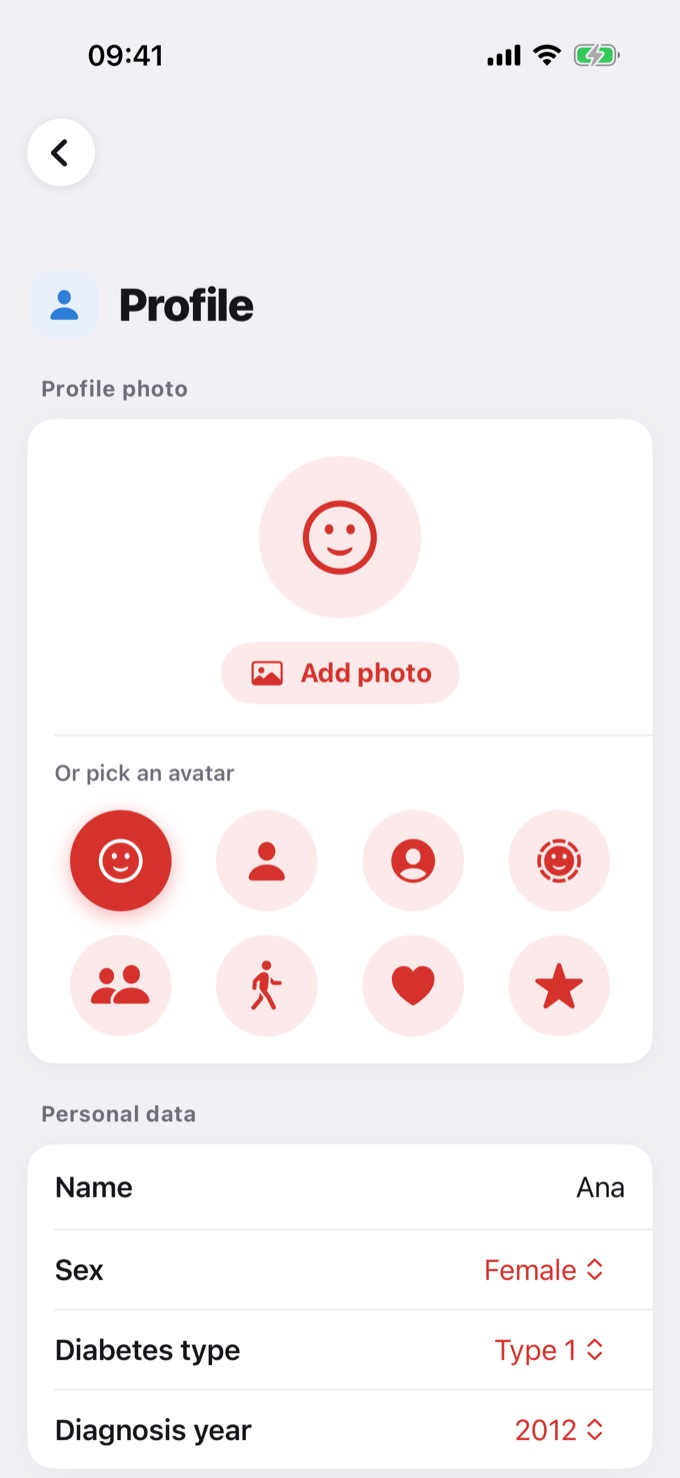
Photo and personal data
- Profile photo: tap Add photo or pick one of the avatars.
- Personal data: name, sex, diabetes type, and diagnosis year.
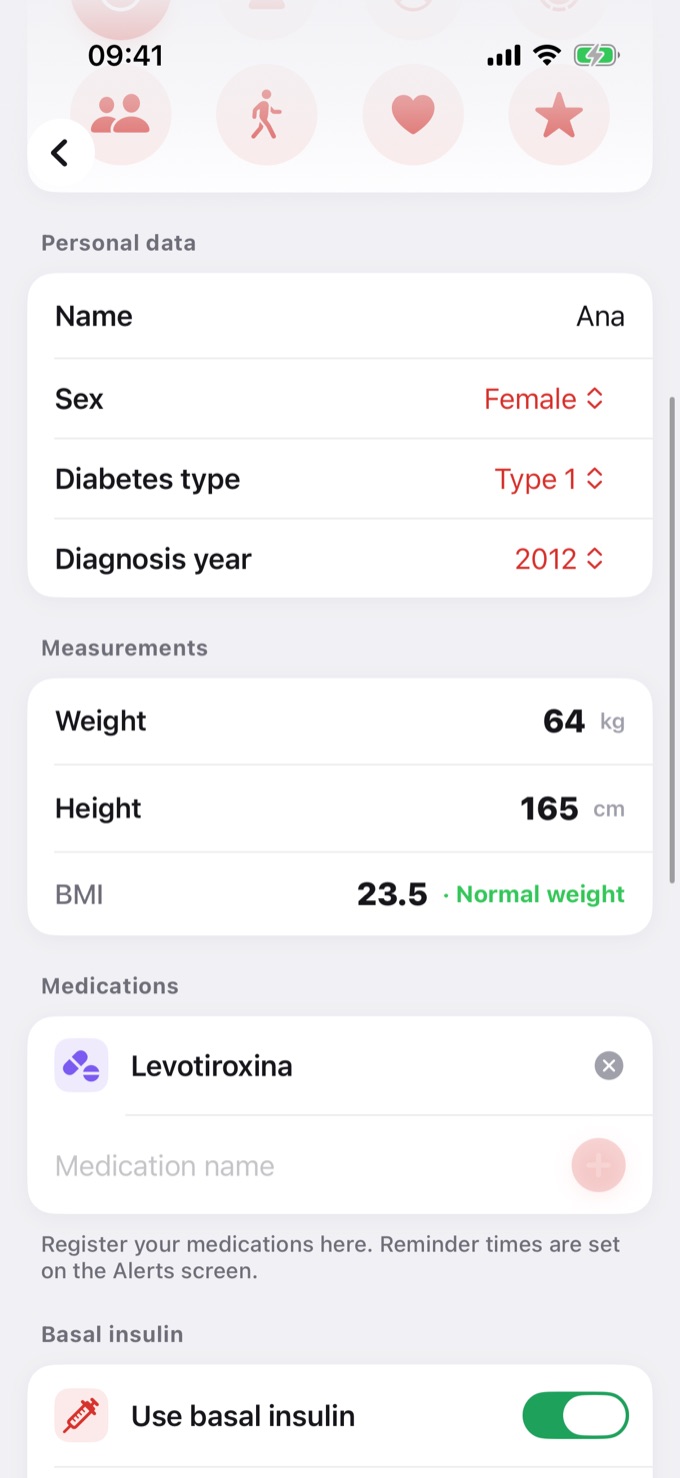
- Measurements: weight and height. With both filled in, the app shows your BMI.
Medications
Add the medications you take by typing the name and tapping +. They appear for you to check off in a New entry. Reminder times are set in Settings → Alerts.
Basal insulin
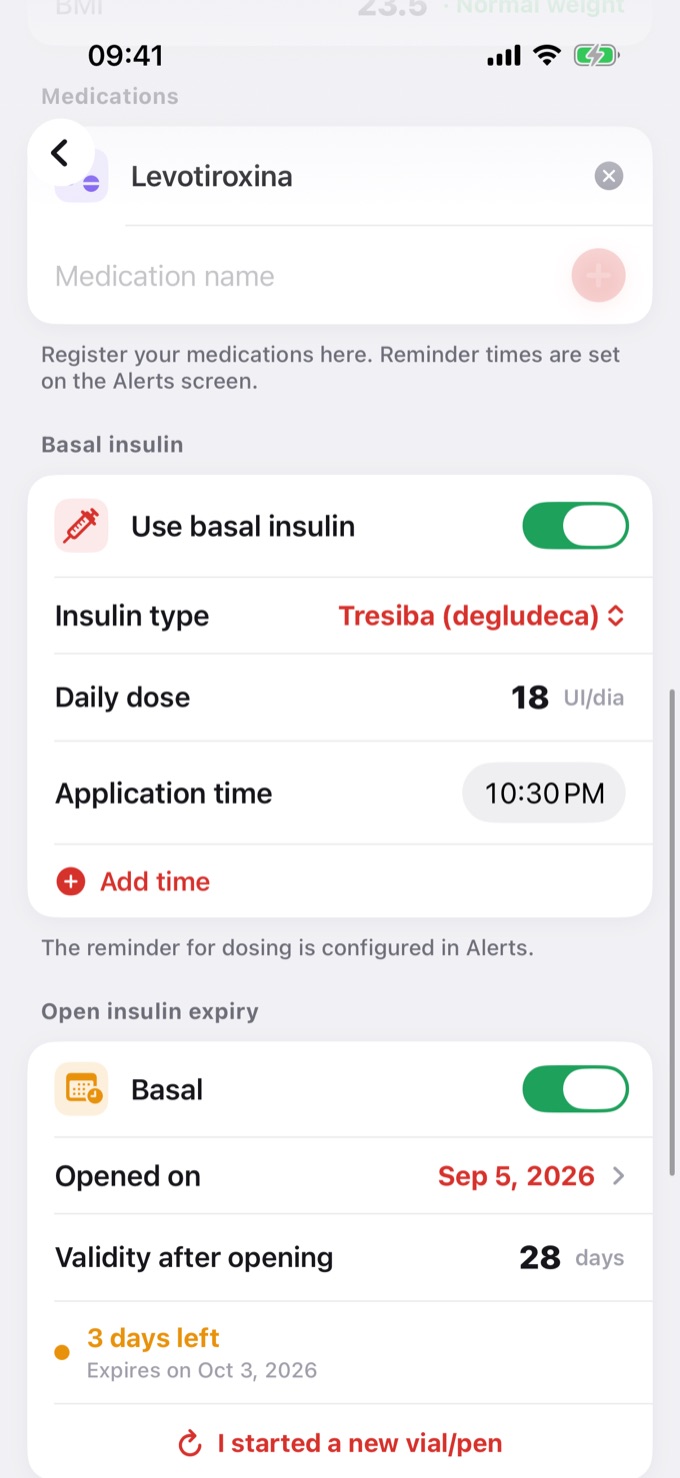
Turn on Use basal insulin and enter the insulin type, the daily dose, and the application time. If you take it more than once a day, tap Add time. The dosing reminder is set in Alerts.
Open insulin expiry and pen increment
- Open insulin expiry: keep track of how many days are left before your open insulin expires. See Opened insulin expiration.
- Pen increment: choose Whole units (1 IU) or Half unit (0.5 IU). It's the step used to enter the bolus in a New entry.
Saving
When you change something, a Save button appears at the top of the screen. If you try to leave without saving, the app asks whether to discard the changes.