How to connect Diablesse to other health apps
Garmin, Samsung Health, Fitbit, and others
Diablesse integrates with Health Connect — Android's central platform for health data. If you use a smartwatch or health app, just connect it to Health Connect. Diablesse will start receiving your exercise data automatically.
Garmin Connect
- Open Garmin Connect on your phone
- Tap More (⋯) → Connections
- Select Health Connect and enable syncing
Samsung Health
- Open Samsung Health
- Tap Profile (bottom-right corner)
- Tap Health Connect → enable it and choose the data to sync
Fitbit / Google Fit and others
- Open the app's settings and look for Health Connect in the integrations or connections section
In Diablesse:
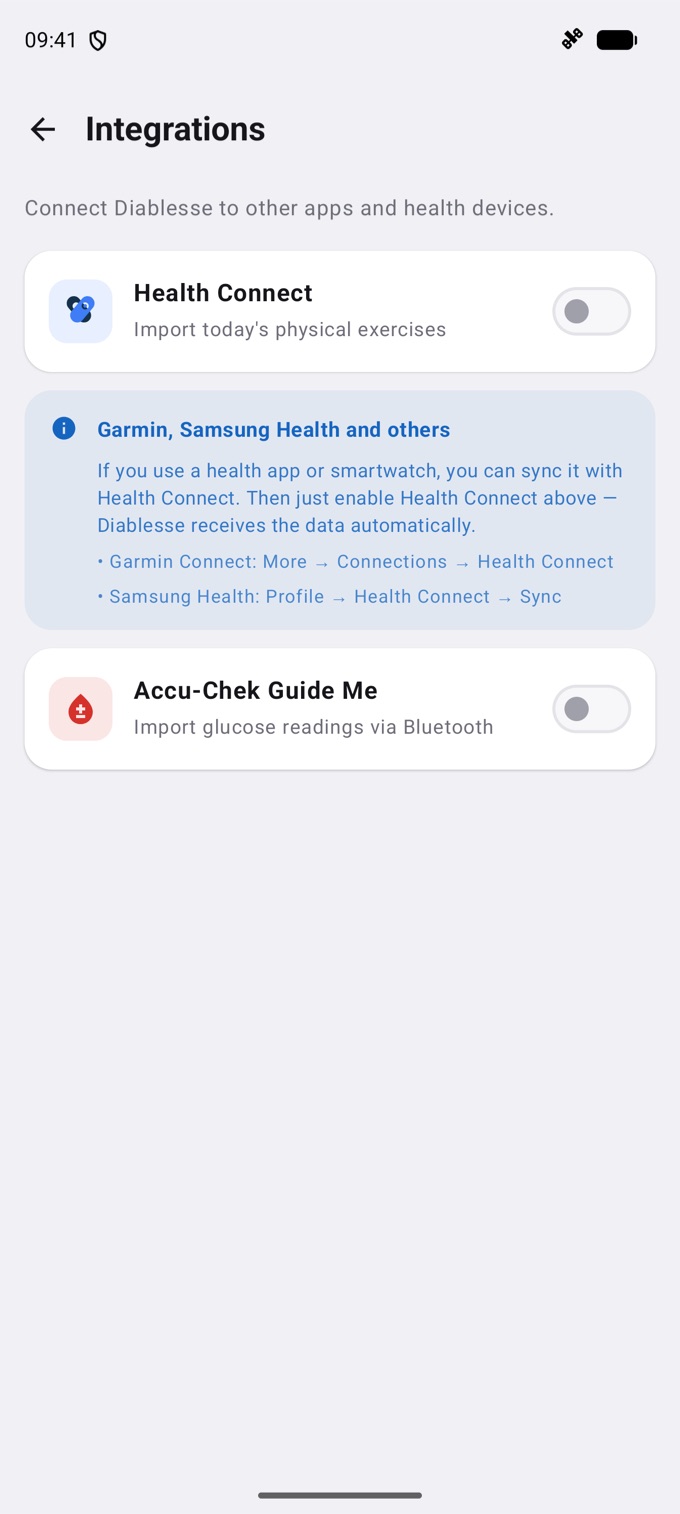
- Go to Settings → Integrations
- Turn on the Health Connect toggle
- Grant the requested permissions
That's it — your physical activity data appears in your diary automatically.
What is Health Connect?
Health Connect is an Android feature (available on Android 9+) that centralizes health data from multiple apps in one place, with privacy controls. It's like a health "vault" on your phone.
💡 Note: Health Connect must be installed on your device. On most phones with Android 14+ it comes pre-installed. On earlier versions, download it for free from the Play Store by searching for "Health Connect".
Frequently asked questions
Does Health Connect drain the battery?
Not significantly. Syncing only happens while Diablesse is open.
How do I delete a record that came from Health Connect?
Records imported from Health Connect must be deleted in the health app that generated them (for example, Samsung Health, Garmin Connect, etc.). Since the data originates in that app, deleting it only in Diablesse won't remove it at the source — and it could be re-imported. Delete it at the source so the change is permanent.
Garmin/Samsung Health doesn't appear in my Health Connect. What should I do?
Make sure your Garmin or Samsung Health app is up to date. On some Samsung models, Health Connect may be under System settings → Health → Health Connect.